
1) Where SMTP settings are in Joomla (4/5/6)
In Joomla Administrator, go to: System → Global Configuration → Server → Mail Settings
2) Recommended SMTP values (the safe baseline)
Start with this baseline. It works for most SMTP providers:
| Setting | Recommended value |
|---|---|
| Send Mail | Yes |
| From Email | Use a domain email like |
| Mailer | SMTP |
| SMTP Authentication | Yes (most providers) |
| SMTP Host | Your provider’s SMTP host (example: smtp.yourprovider.com) |
| Security + Port |
|
| Username / Password | Your SMTP credentials (sometimes provider-specific) |
3) Example: Gmail / Google Workspace SMTP (quick reference)
Common settings for Google accounts:
- Host:
smtp.gmail.com - Port:
465with SSL/TLS or587with STARTTLS - Auth: Yes
4) Test your SMTP settings (don’t skip this)
After saving the settings, use Joomla’s Send Test Mail button in Global Configuration. This confirms your site can connect, authenticate, and send via SMTP.
If the test fails, check these first:
- Host/port/security mismatch (very common)
- Wrong credentials or blocked login (app password may be required)
- Server firewall blocks outbound SMTP ports (465/587)
- TLS issues (missing OpenSSL support / outdated server config)
5) Debugging: how to find the real cause
If sending is inconsistent (or messages disappear), you need visibility. At minimum, confirm:
- The email is being generated (form/plugin triggers correctly)
- The SMTP connection/auth is attempted
- You can see errors like timeouts, auth failure, or TLS handshake issues
Default Joomla SMTP: the common limitations
Joomla core SMTP is fine for basic sending, but business sites usually need more:
What you don’t get (usually)
- Email history dashboard (sent/failed/when/to whom)
- One-click resend for failures
- Open/click tracking
- Easy provider switching (or automatic failover)
- Queueing for burst/high-volume sending
Why it matters
If password resets or order emails fail, customers don’t “maybe” get upset — they just leave. Reliability and visibility are not “nice-to-have” once email becomes part of your business flow.
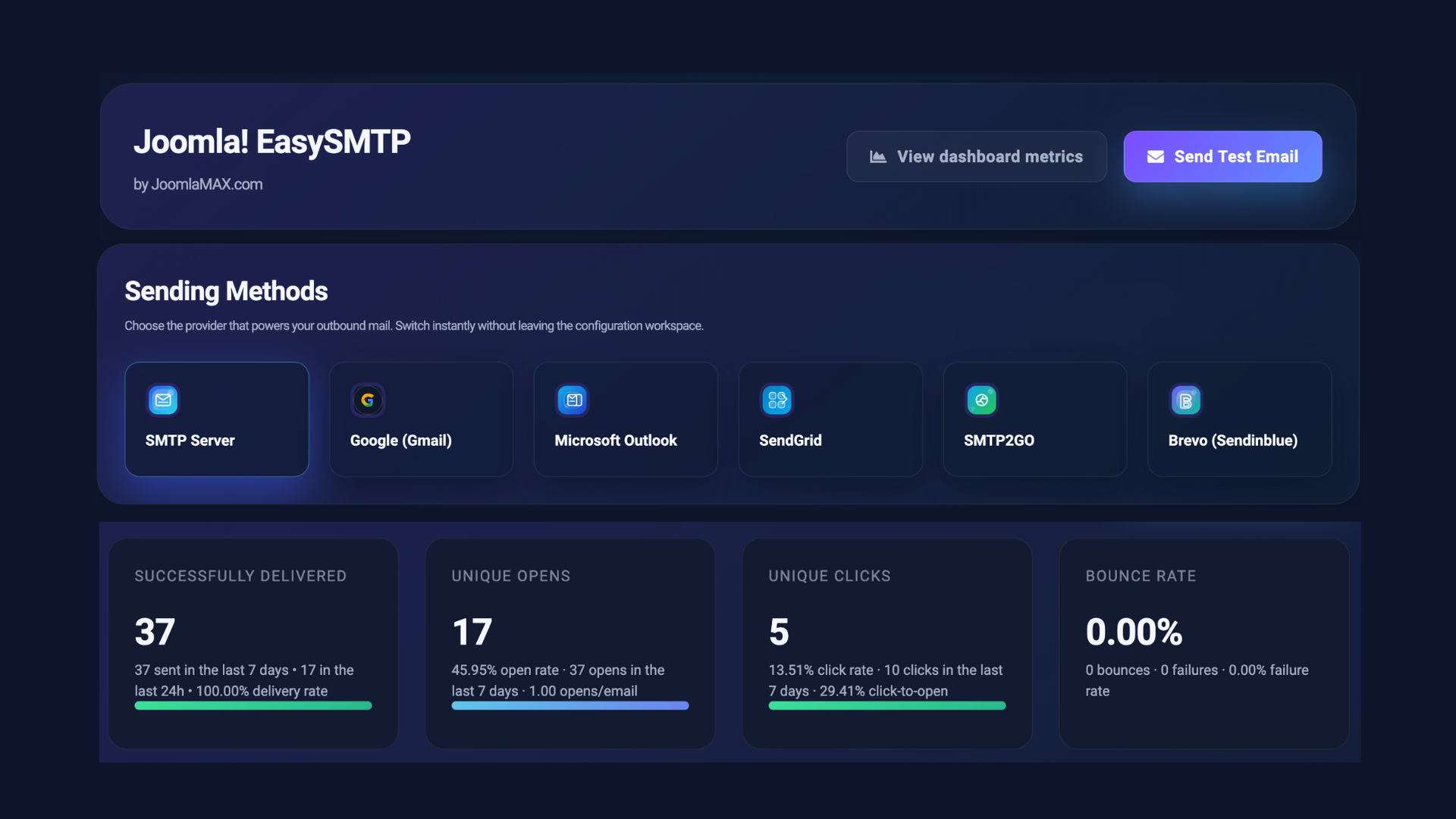
A cleaner solution: JoomlaMax EasySMTP
I built JoomlaMax EasySMTP for Joomla 4/5/6 to keep setup simple, but add the features you actually need: logs, resend, tracking, and provider failover.
Key benefits
Multiple providers + fast switching
Use standard SMTP or modern provider integrations and switch without pain.
Full mail log + one-click resend
Track what was sent and quickly resend failed emails — no more blind troubleshooting.
Open/click tracking + analytics
Useful for lead follow-ups, transactional emails, and understanding engagement.
Failover + queueing
Automatically fall back to a backup provider and handle bursts more reliably.
Get EasySMTP
Reliable email delivery + full visibility inside Joomla.
View Extension Supports Joomla 4 / 5 / 6